 Image Translator
An image translator that works offline and never uploads your pictures
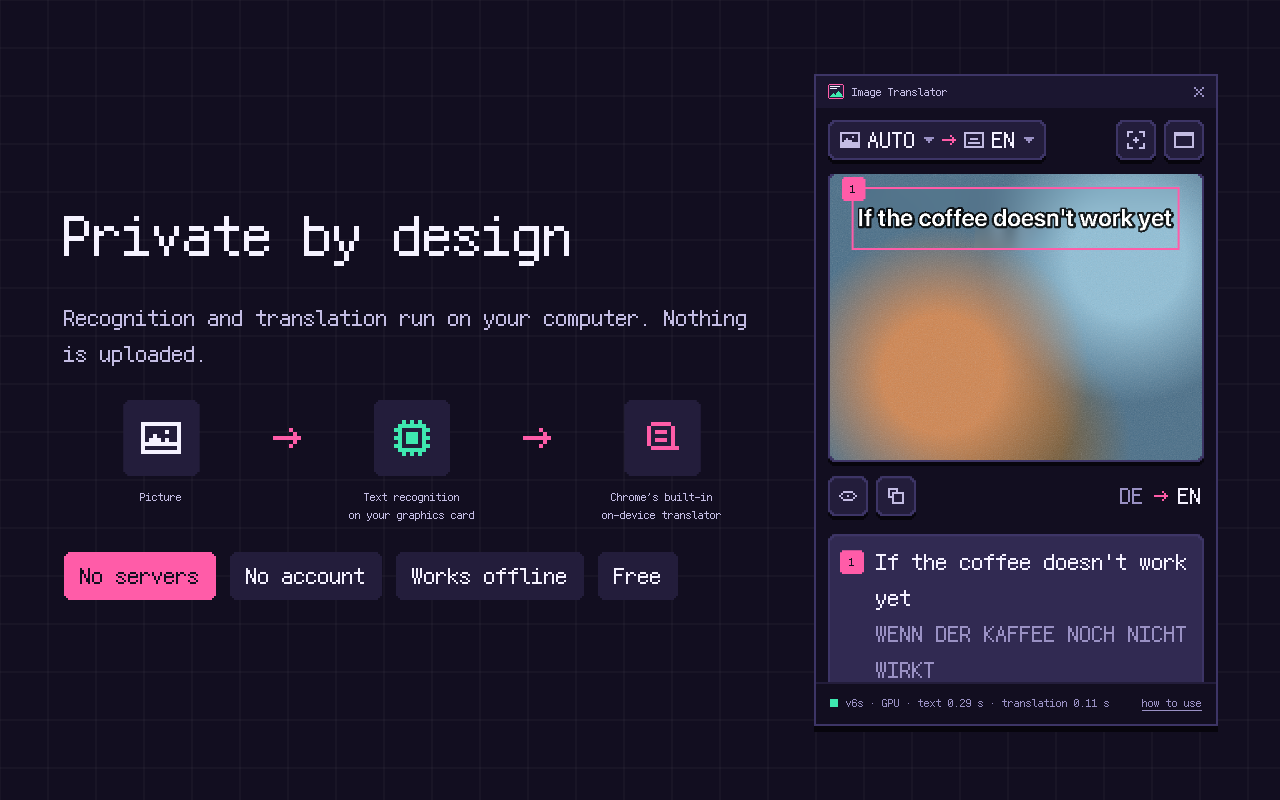
Most image translators send your picture to a server. Image Translator doesn't have one. Text recognition runs inside the extension on your graphics card, and translation is done by Chrome's built-in on-device translator. Your pictures, the recognized text and the translations stay on your computer.
Coming soon to the Chrome Web Store
What happens when you translate a picture
- The picture comes from your screen (a selected area or the visible tab), from your clipboard, or — when you right-click an image — from the address the page already loads it from.
- PaddleOCR models packed inside the extension find and read the lines of text, on your graphics card through WebGPU, or on the processor.
- Chrome's built-in Translator — on-device translation, part of Chrome since version 138 — translates the text.
- The panel draws the translation over the picture. Nothing is kept: only your language settings are stored, on your computer.
Getting ready to work offline
Chrome downloads the translation model for a language pair the first time you use it — about 80 MB per language, once. The first-run tour lets you download the packs you need in advance. After that, recognition and translation work without the internet. You still need a connection to open web pages, of course, but pictures already on screen and pasted screenshots are translated offline.
Check it yourself
Open chrome://extensions, turn on Developer mode and click “Inspect views” next to Image Translator's side panel. The Network tab lists the extension's own files and, if you right-clicked an image, that image loaded from its address — nothing else.
Compared with cloud image translators
| Image Translator | Cloud image translators | |
|---|---|---|
| Where your picture goes | Stays on your computer | Uploaded to their servers |
| Account, API key | Not needed | Often required |
| Price and limits | Free, no limits | Free tier with daily limits, or paid |
| Without internet | Works offline | Needs a connection |
| Handwriting | Partial | Usually better |
| Hebrew, Bengali, Kannada text | Can't read yet | Usually supported |
Limitations
- Hebrew, Bengali and Kannada text cannot be read yet (translation into these languages works).
- Vietnamese tone marks are not always recognized; complex scripts such as Arabic, Thai or Telugu occasionally lose a letter.
- Handwriting is recognized only partially.
- Chrome does not allow capturing its own pages (chrome://), the Chrome Web Store or DRM-protected video.
Frequently asked questions
Does Image Translator upload my images?
No. Images, the recognized text and the translations stay on your computer. The extension has no server and sends nothing anywhere.
Does it work without internet?
Yes, once Chrome has downloaded the language packs you use. Pictures already on screen and pasted screenshots are then translated offline.
Can I use it for confidential documents?
The extension processes documents on your computer and doesn't send them anywhere. As with any software, follow your organization's rules for confidential data.
What is Chrome's built-in translator?
Since version 138, desktop Chrome has built-in on-device translation (the Translator API); the model for each language is downloaded by Chrome the first time it is needed. Image Translator uses it, so the translation quality is Chrome's own and the language packs are managed by Chrome.
Free · No account · Desktop Chrome 138+ on Windows, macOS, Linux